
The Refer a Friend program rewards you and another person with crypto as a referral bonus.
How to retrieve the code:
- Click the gift icon at the top left of the app (Not in "Trading" tab)
- Find a contact for referral
- Select the Green "Get $5"

- Send the pre-made message
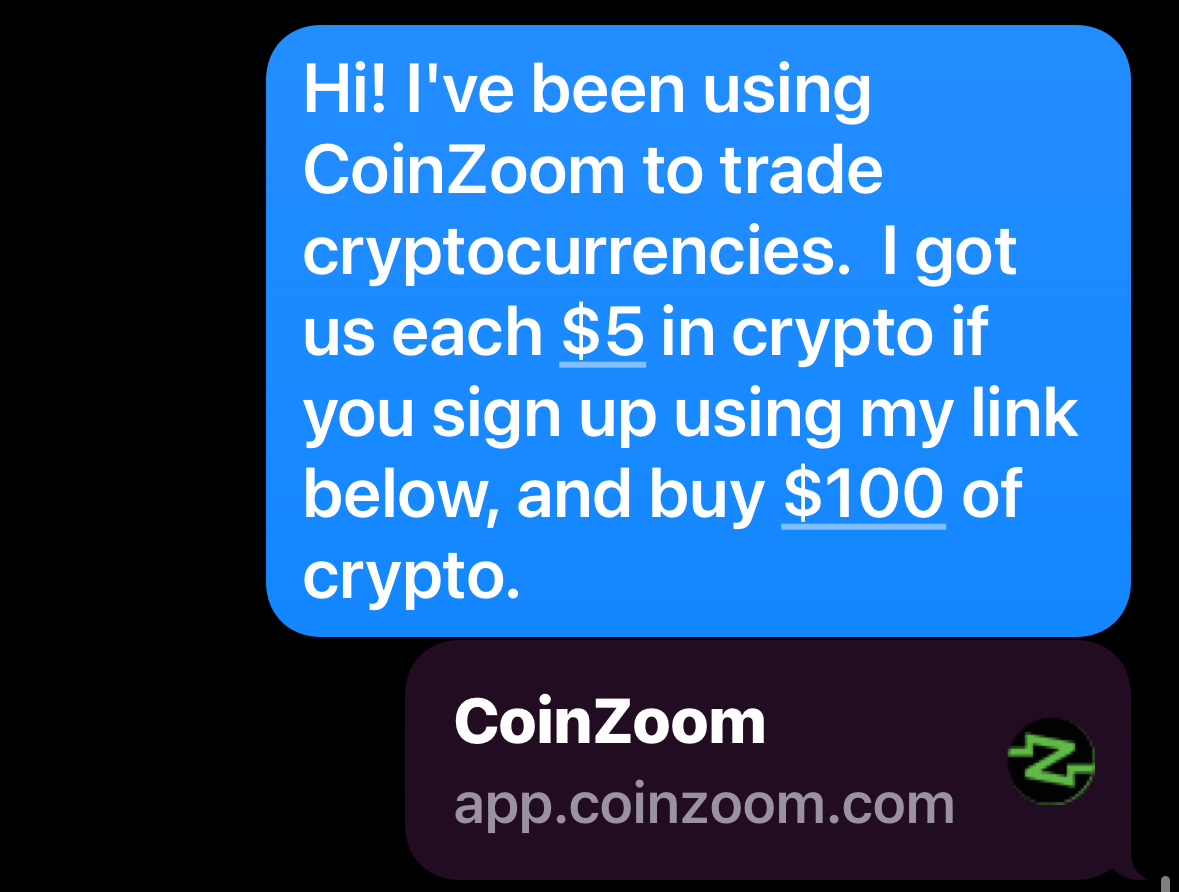
In order to receive the $5 reward, the referred party must purchase a minimum of $100 in crypto upon referral.